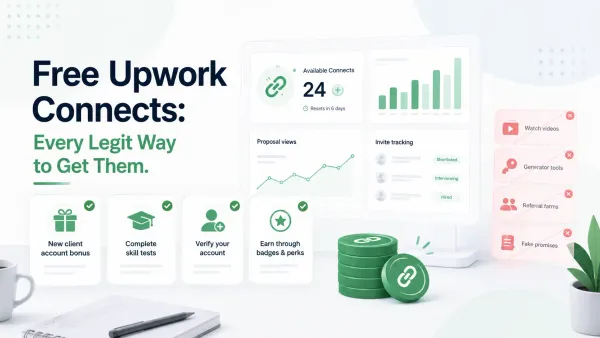
Free Upwork Connects: Every Legit Way to Get Them
A practical guide to free Upwork Connects, including official ways freelancers may receive them, risky myths to avoid, and a smarter system for spending fewer Connects.
We're sad to see you go,
If something didn't work as expected, we want to fix it. Reinstall or drop us a line and we'll sort it out personally.
Support
Something not working? An issue with proposals, alerts, or your setup? Tell us — our team responds personally and quickly.
We typically respond within 24 hours.
Common Issues
Here are the most common reasons people uninstall — and how to resolve them in seconds.
Make sure the job scanner is active inside the UpCat panel and that you're logged into your Upwork account — alerts only fire when both are running.
Get helpThe more detail you add to your profile inside UpCat, the better the proposals. Optimize your profile with your skills, experience, and tone — and watch the quality improve immediately.
Ask us howUpCat only reads the job page you're currently viewing and never stores your personal data or Upwork credentials. Your privacy is our baseline, not a feature.
Get the full detailsFrom the Blog
Guides and strategies to help you land more contracts and grow your freelance business.
A practical guide to free Upwork Connects, including official ways freelancers may receive them, risky myths to avoid, and a smarter system for spending fewer Connects.
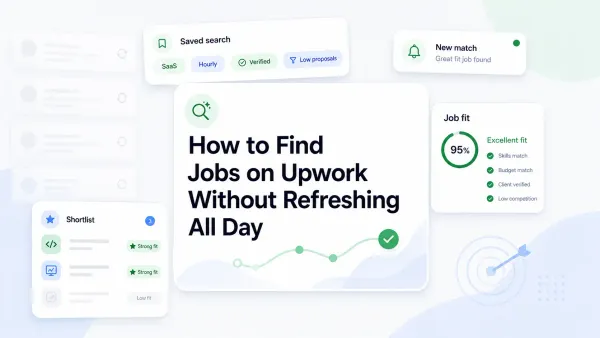
Learn how to find jobs on Upwork without constant refreshing by using saved searches, alerts, better filters, and a repeatable workflow that surfaces better-fit jobs faster.
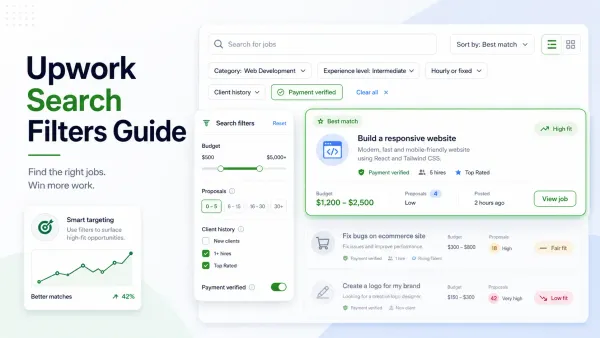
A practical Upwork search filters guide that shows freelancers how to narrow job results, avoid weak-fit posts, and find better jobs faster without wasting Connects.