Free Upwork Connects: Legit Ways to Get Them
Official free Upwork Connect sources, a Connect budget calculator, and a practical decision guide for freelancers who keep running out of Connects.

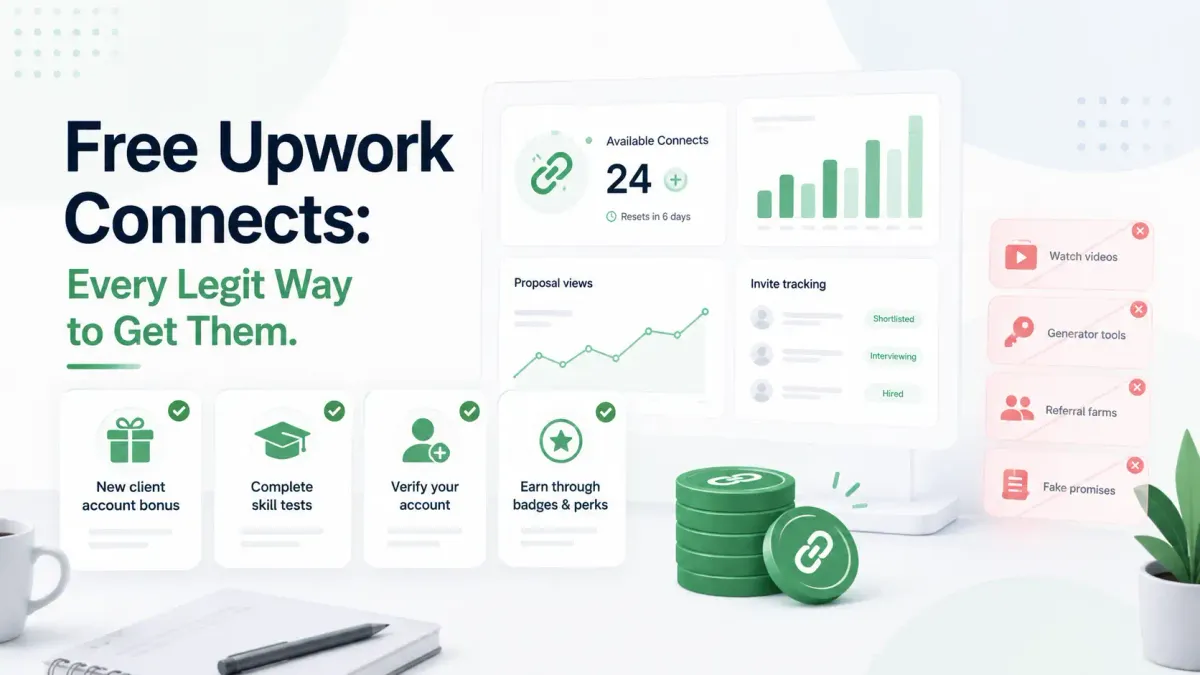
Free Upwork Connects are real, but they are limited. In 2026, the main legitimate sources are monthly plan Connects, new freelancer bonuses, talent badge rewards, interview rewards, limited promotions, education prompts, and returned Connects from certain canceled or removed jobs. There is no safe generator, hack, or public loophole for unlimited free Connects.
The more useful question is not only "How do I get free Connects?" It is "How do I stop wasting the Connects I already have?" This guide covers both: official free-Connect sources, what to check if you did not receive them, and a simple calculator for deciding whether to save, buy, or tighten your bidding system.
What are Upwork Connects?
Upwork Connects are virtual tokens freelancers use to submit proposals and use some visibility features. Upwork says proposal costs vary by job and can change while a job post is live. Upwork also says Connects can be purchased, earned through certain achievements or promotions, and returned only in specific cases.
That last point matters. If a client simply chooses another freelancer, ignores the post, rejects your proposal, or lets the job expire, you usually do not get those Connects back. A weak proposal decision can cost you even when nothing happens.
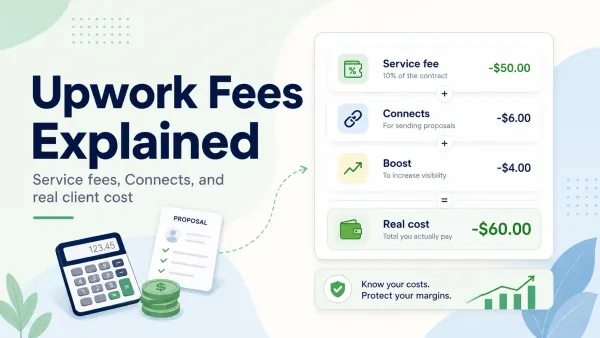
For a broader cost breakdown, read Upwork Fees Explained. Connects are part of your acquisition cost, not a side detail.
Legit ways to get free Upwork Connects
The table below separates official or account-visible sources from risky shortcuts.
| Source | What it means | Best next step |
|---|---|---|
| Monthly Connects | Basic and Plus accounts may receive monthly Connects depending on plan and eligibility | Check Settings > Memberships & Connects |
| New freelancer bonus | New users may receive a one-time bonus after buying Connects or subscribing to Freelancer Plus, if eligible | Confirm the offer in your signup flow |
| Talent badge rewards | Upwork lists Connect rewards for badges such as Rising Talent, Top Rated, and Top Rated Plus | Treat this as a progress reward, not a beginner shortcut |
| Interview rewards | Upwork may give Connects after interviews with established clients | Improve job fit and proposal quality |
| Education prompts | Some accounts may see trust and safety or feedback tasks with Connect rewards | Complete only prompts shown inside Upwork |
| Promo codes | Upwork may run limited Connect promotions | Redeem only through official Upwork settings |
| Returned Connects | Connects may return when a client cancels before a contract or Upwork removes a violating job | Do not expect refunds for normal lost proposals |
1. Monthly free Connects
Upwork's current Help and resource pages say freelancers may receive monthly Connects, with Basic and Plus plans treated differently. The exact account behavior can depend on plan and available offers, so your own account history is the best source.
To check:
- Open Upwork.
- Go to
Settings. - Select
Memberships & Connects. - Review your billing cycle, balance, and Connects history.
Do not assume your account is broken because another freelancer received a different amount. Upwork has changed free-Connect rules and offer language over time.
2. New freelancer bonus
Upwork says new freelancers may receive a one-time Connect bonus after purchasing Connects or subscribing to Freelancer Plus, if eligible. If the offer applies to you, it should appear during the account or purchase flow.
Do not create extra accounts to chase a signup bonus. That can create verification and policy problems, and the risk is larger than the value of a small Connect balance.
3. Talent badge rewards
Upwork lists Connect rewards for badges including Rising Talent, Top Rated, and Top Rated Plus. This is helpful, but it is not a fast path for a new freelancer who needs proposals today.
Badge rewards are best treated as a sign that your account is progressing. If you need Connects before you have marketplace traction, focus on better filters and tighter proposals instead.
4. Interview rewards
Upwork says freelancers may receive Connects after interviews with established clients. The exact criteria are not fully public, and not every interview creates a reward.
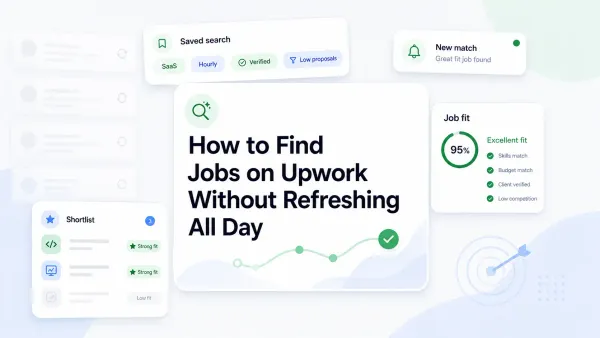
This is one of the healthiest free-Connect paths because it starts with real client interest. If you are not getting interviews, do not chase free Connect tricks. Improve job selection, timing, and proposal relevance. The workflow in How to Find Jobs on Upwork Without Refreshing All Day is built for that problem.
5. Education prompts and promos
Some freelancers may see account prompts, feedback incentives, trust and safety tasks, or official promo-code opportunities. Use these only when they appear through Upwork itself.
If a public coupon-code page claims to have a secret free-Connect code, assume it is expired or unsafe until Upwork confirms it inside your account.
6. Returned Connects
Returned Connects are not the same as free Connects, but they protect your balance in some situations. Upwork says Connects may be returned when a client cancels a project before a contract is made or Upwork removes a job post for a policy violation.
Upwork also says Connects are not returned when the client rejects your proposal, chooses someone else, the job expires without hiring, or you withdraw your proposal.
That means the safest refund strategy is prevention: screen jobs before you apply.
Why you might not receive free Connects
Many freelancers search for "free Upwork Connects" after expecting credits that never appear. Here are the most common explanations.
| Situation | Likely reason | What to do |
|---|---|---|
| New account has no bonus | The signup offer may not apply until you buy Connects or subscribe, or you may not be eligible | Check the purchase/subscription flow before contacting support |
| Monthly Connects did not arrive today | Your billing cycle may not reset today | Check the billing date in Memberships & Connects |
| Interview happened but no reward appeared | The client may not meet Upwork's established-client criteria, or the interview may not qualify | Treat interview rewards as a bonus, not guaranteed income |
| Promo code failed | Code may be expired, mistyped, region-limited, or not attached to your account | Redeem only through Upwork's official Connects flow |
| Proposal Connects were not returned | The job expired, client chose someone else, or you withdrew | Only certain cancellations and policy removals return Connects |
This troubleshooting section is important because "free Connects" advice often ignores eligibility. The same method can work for one account and not appear for another.
Free Connect generators and shortcuts to avoid
Avoid these:
- Free Connect generators
- Sites asking for your Upwork login
- Browser extensions claiming to add Connects
- Duplicate accounts for signup bonuses
- Fake interviews for Connect rewards
- Expired coupon-code pages
- Advice that says to mass-apply because some Connects may be returned
If a tool claims it can change your Upwork Connects balance from outside Upwork, treat it as a scam or account-security risk. For more safety checks, read Upwork Scams to Avoid.
Free Connects vs buying Connects: a simple decision rule
Buying Connects is not automatically bad. Waiting for free Connects is not automatically smart. The right decision depends on your proposal economics.
Use this rule:
Buy Connects only when your job targeting is clear, your reply rate is measurable, and the expected project value can absorb the proposal cost.
If you do not know your reply rate, cost per interview, or average project value, buying more Connects can hide a bad bidding system.
Connect budget calculator
Use this quick calculator before buying more Connects.
| Input | Example | Your number |
|---|---|---|
| Average Connects per proposal | 12 | |
| Proposals needed for one interview | 8 | |
| Interviews needed for one client | 3 | |
| Connect price | $0.15 | |
| Average client value | $800 |
Formula:
Connects per client = Connects per proposal x proposals per interview x interviews per client
Connect cost per client = Connects per client x $0.15
Example:
12 x 8 x 3 = 288 Connects per client
288 x $0.15 = $43.20 Connect cost per client
In that example, $43.20 may be acceptable for an $800 client. It is painful for a $75 job. That is why low-budget, vague, or over-crowded jobs become expensive even when the Connect price looks small.
For deeper margin math, use Upwork Fees Explained.
How to stop running out of Connects
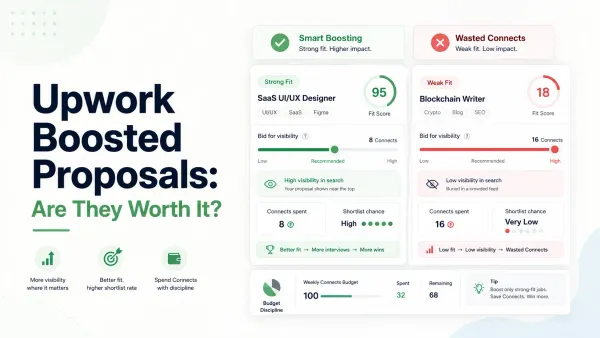
The best free-Connect strategy is spending fewer Connects on jobs that were never worth a proposal.
Use this screening score before applying:
| Signal | Points |
|---|---|
| Strong niche fit | 2 |
| Clear scope | 2 |
| Budget fits your floor | 2 |
| Credible client history or buying signal | 2 |
| You can write a specific proposal fast | 2 |
Beginners can set the minimum at 7 out of 10. Specialists should often require 8 or higher.
Then split your Connect budget:
- 70% for proven-fit jobs
- 20% for promising adjacent jobs
- 10% for controlled tests
This keeps experimentation from consuming your entire balance. If most of your spending is going to "maybe" jobs, the issue is not free Connects. It is weak filtering.
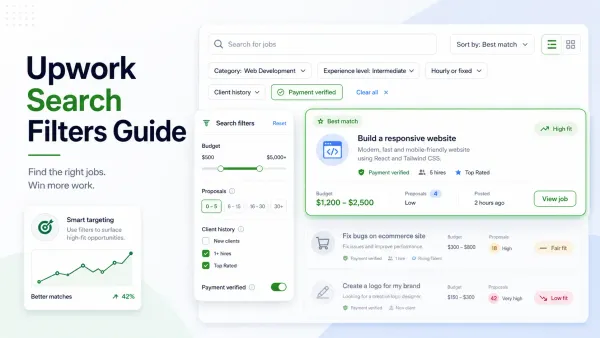
Start with Upwork Search Filters Guide to clean your feed, then connect that search setup to timing and alerts with How to Find Jobs on Upwork Without Refreshing All Day.
FAQ
Can you get free Connects on Upwork?
Yes. Upwork may provide free Connects through monthly plan Connects, new freelancer offers, badge rewards, interview rewards, education prompts, promotions, and returned Connects from certain canceled or removed jobs. Availability depends on your account and eligibility.
Does Upwork give free Connects every month?
Upwork says freelancers may receive monthly Connects, with the amount and availability depending on plan and eligibility. Check Settings > Memberships & Connects and your Connects history to confirm what applies to your account.
Why did I not receive free Upwork Connects?
You may not be eligible for the offer, your billing cycle may not have reset, the interview may not qualify for a reward, or the promo may be expired. Check your Connects history and official Upwork account notices before assuming there is an error.
Are free Upwork Connect generators legit?
No. Free Upwork Connect generators are not legitimate. Treat them as scams or account-security risks, especially if they ask for your login, browser access, payment details, or promise unlimited Connects.
Is it better to save Connects or buy more?
Save Connects when your targeting is unclear or your reply rate is low. Buying Connects can make sense when you know your niche, track cost per interview, and pursue projects large enough to justify proposal spend.
Sources
- Upwork Help: Connects
- Upwork Resources: How To Get Free Connects on Upwork
- Upwork Help: Connects - Frequently Asked Questions
- Upwork Help: Get Connects
- Upwork Help: Use Connects
- Upwork Help: Returned Connects
Use UpCat to qualify Upwork jobs before spending Connects, so fewer credits disappear on weak-fit posts.